
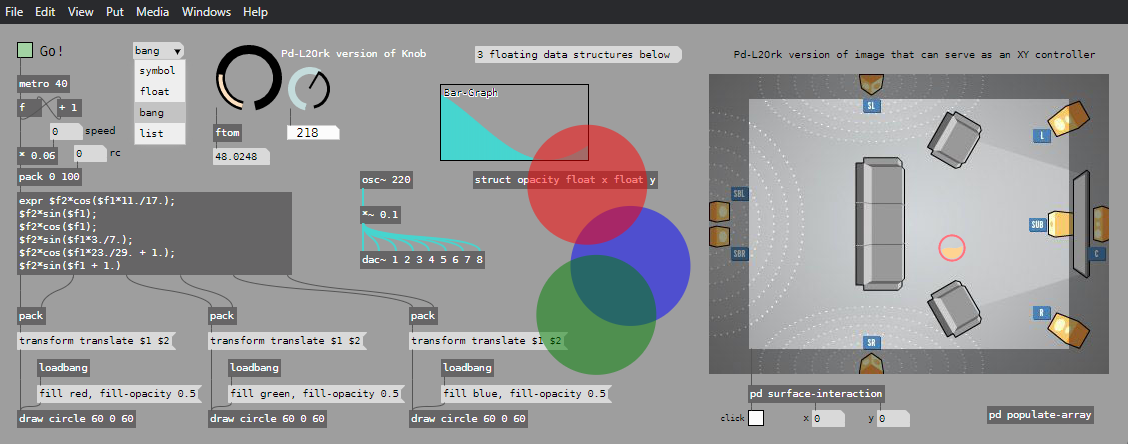
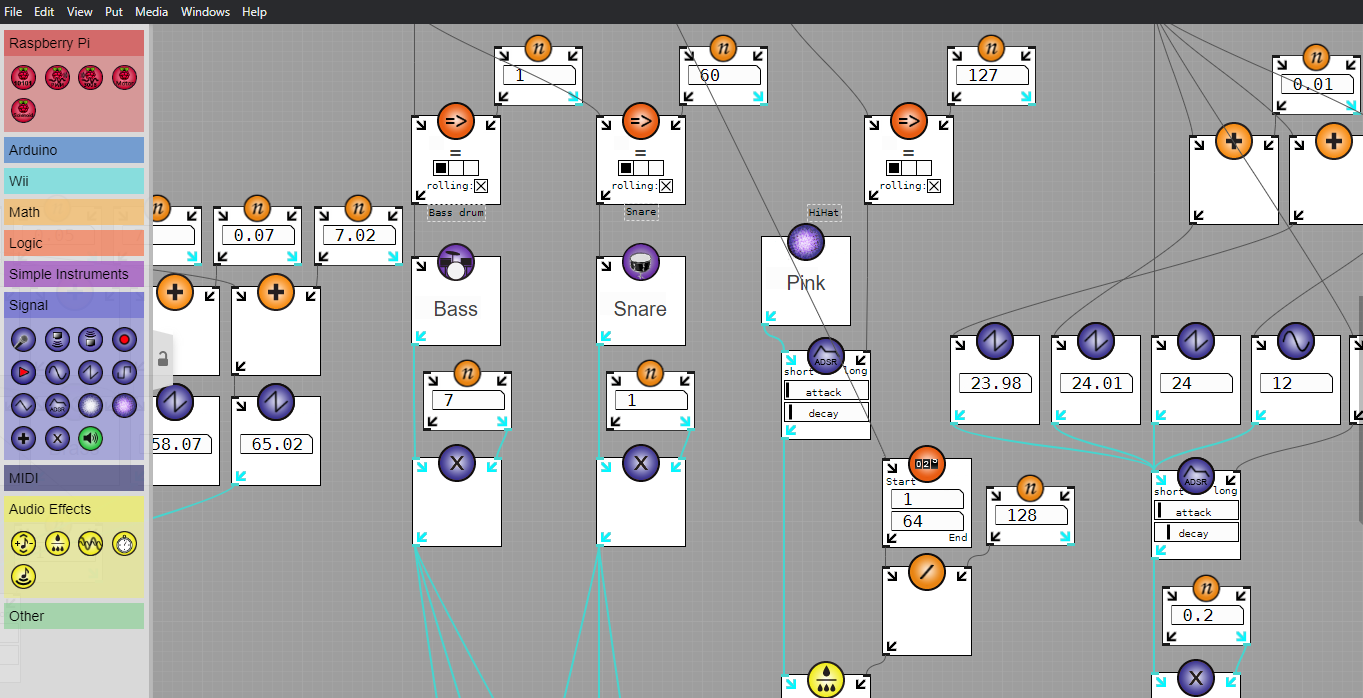
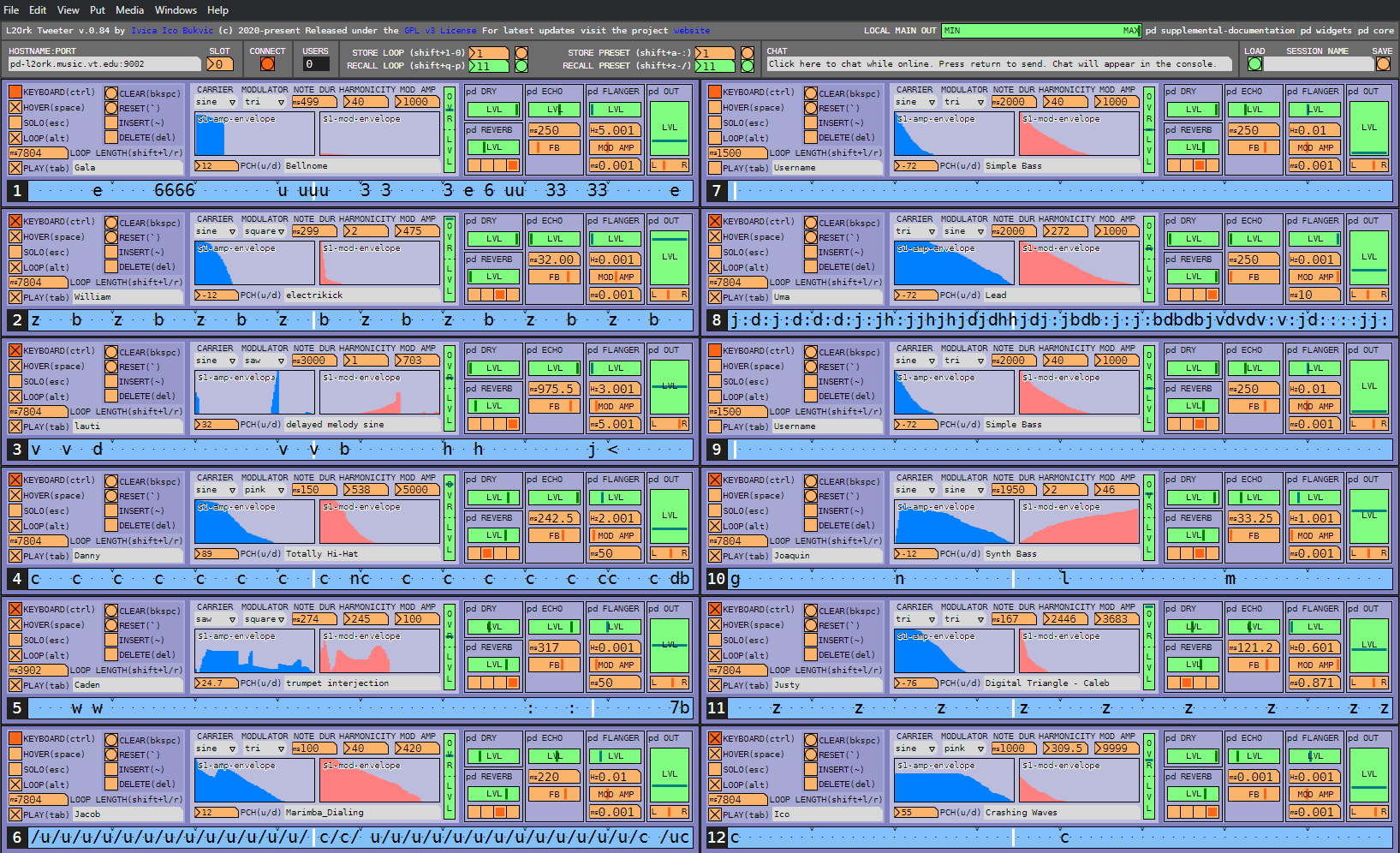
- install “Burrito Supreme” version of Pd-L2Ork
- install L2Ork Compositions & Abstractions
The “Burrito Supreme” installer will provide you with all components necessary to have a setup equivalent to that of Pd-extended. The L2Ork abstractions are necessary only if you want to create/perform pieces specific to the L2Ork ensemble setup. These are not necessary for running the K12 module.
The instructions and download links for each of these steps are provided below.
sudo apt-get install bison flex automake qjackctl tcl-dev tk-dev libasound2-dev libjack-jackd2-dev libtool libbluetooth-dev libgl1-mesa-dev libglu1-mesa-dev libglew-dev libmagick++-dev libftgl-dev libgmerlin-dev libgmerlin-avdec-dev libavifile-0.7-dev libmpeg3-dev libquicktime-dev libv4l-dev libraw1394-dev libdc1394-22-dev libfftw3-dev libvorbis-dev ladspa-sdk dssi-dev tap-plugins ladspa-foo-plugins invada-studio-plugins-ladspa blepvco swh-plugins mcp-plugins cmt blop slv2-jack omins ubuntustudio-audio-plugins rev-plugins libslv2-dev dssi-utils vco-plugins wah-plugins fil-plugins mda-lv2 libmp3lame-dev libspeex-dev libgsl0-dev portaudio19-dev python-dev libsmpeg0 libjpeg62 tkpng flite1-dev libgsm1-dev libfftw3-dev libgtk2.0-dev subversion libstk0-dev, libsndobj-dev, libfluidsynth-dev
The said code will install the necessary libraries and their supporting dev components. This will enable you not only to run the software but also build it from the source, should that prove necessary. Having dev libraries installed should have no negative impact on your system beyond taking up a bit more of the HD space than the libraries alone.
Download Pd-L2Ork
Complete (a.k.a. ‘Burrito Supreme’) Installer
- Best option for newcomers
- 64-bit deb (v.20130428)
- Precompiled for Ubuntu 12.04 or newer (may also work on other distributions)
- Includes everything needed to get you started
- Does not include L2Ork-specific abstractions
- Install instructions
- USE THIS TO:
- perform a first-time install and/or upgrade of Pd-L2Ork
Source Code
- Source tree snapshot on Pd-L2Ork Git
- Entire pd-l2ork source with latest changes
- Does not include L2Ork-specific abstractions
- Install instructions for devs
- USE THIS TO:
- If you are using a Linux distribution that does not run prebuilt binary version
- compile pd-l2ork from source or contribute to the development
Individual Externals
- L2Ork externals sources (already included in the Burrito Supreme version):
- disis_munger~ (updated 12/30/2010)
- requires flext library (a part of regular pd-extended, pd-l2ork version coming soon)
- disis_wiimote (updated 11/08/2012)
- requires L2Ork version of CWiid library (updated 11/08/2012)
- disis_phasor~ (updated 05/22/2012)
- sawtooth wave generator with a non-signal sync
- disis_netsend and disis_netreceive (updated 05/22/2012)
- the backbone of L2Ork communication
- spectdelay~ (updated 05/22/2012)
- Pd port of John Gibson’s jg.spectdelay~
- disis_munger~ (updated 12/30/2010)
Changelog
- Changelog (updated 2/11/2012)
- Includes changes between 11/25/2010 and approximately 11/20/2011
- Any changes from November 2011 are now posted as part of git commits.
L2Ork Compositions & Abstractions
- PD-L2Ork Compositions & Abstractions1 (temporarily down)
- Necessary for opening L2Ork patches
- Provides core infrastructure for UI, streamlined implementation of core DSP techniques, networking, and input device data analysis
- Also includes a snapshot of the RjDj Library
- USE THIS TO:
- gain access to various useful abstractions commonly used inside L2Ork-specific patches
- ensure 100% compatibility with L2Ork environment
1 These are continually evolving, so please make sure to communicate questions/concerns on the L2Ork-Dev mailing list.
Install Instructions
Pd-l2ork deb installer conflicts only with the pd-utils package, and the deb installer should warn you of these conflicts prior to installing. Since pd-l2ork provides monolithic package which also includes identical files found inside pd-utils package, provided you uninstall pd-utils package, it should be possible to have both pd-l2ork and one of the other versions of pure-data installed on the same system using deb packages.
Deb installer (recommended)
sudo dpkg -i pd-l2ork*deb
This will install all the supporting libraries, warn you of any conflicts with other packages (e.g. pd-utils), as well as set up pd-l2ork on your machine.
Script-Based Installer (for custom installs)
tar -jxf pd*.tar.bz2 cd pd* sudo make install
This will install everything with the /usr/local prefix.
Running Pd-L2Ork
pd-l2ork
- Use qjackctl to configure and start JACK server with real-time privileges
- Start pd-l2ork (or pd-l2ork-k12) using the shortcut from the application menu
Compiling Pd-L2Ork from Source
Introduction
git clone git://github.com/pd-l2ork/pd.git pd-l2ork
Alternately, if you simply need to update your local snapshot with the latest changes, go into the root git directory (typically
git stash git pull
Once you have the latest version of the source, simply compile using l2ork’s nifty tar_em_up.sh script.
./tar_em_up.sh
Creating Deb Installer
cd pd-l2ork/l2ork_addons ./tar_em_up.sh -B
This will recompile entire source tree (including externals) using default “–enable-jack –enable-alsa –enable-fftw” Linux flags and create a “Burrito Supreme” deb in the folder where the original git folder was created containing the pd-l2ork/ folder. Once the tarball is created, to install it on your own computer, go back to the appropriate directory and install it using deb tools (e.g. gdebi, dpkg, etc.):
cd ../../ dpkg -i pd-l2ork-<architecture>-<date-of-creation>.deb
Creating Script-Based Installer
cd pd-l2ork/l2ork_addons ./tar_em_up.sh -F
This will recompile entire source tree (including externals) using default “–enable-jack –enable-alsa –enable-fftw” flags and create a “Burrito Supreme” tarball in the folder where the original git snapshot was downloaded (the one containing the pd-l2ork/ folder). Once the tarball is created, to install it on your own computer, go back to the appropriate directory, decompress the tarball and run the installer using the same instructions as the “Burrito Supreme” installer:
cd ../../ tar -jxf pd-l2ork-<architecture>-<date-of-creation>.tar.bz2 cd pd* sudo make install
Questions? Please contact us via the L2Ork-Dev public mailing list.

